Buying DJ gear for the first time is confusing mostly because sellers want you to buy more than you need. In reality, starting DJing requires five pieces of equipment — everything else on this checklist is optional or can wait. Here is exactly what to buy, why, and what it costs in 2026.
The 5 Essentials Checklist
- ☐ A DJ controller (or mixer + decks)
- ☐ Closed-back DJ headphones
- ☐ A laptop with enough storage for your music library
- ☐ DJ software (Serato DJ Pro, rekordbox, or Traktor Pro 3)
- ☐ Speakers or monitors to hear your mix
If you have these five, you can start DJing today. Everything below is either a deeper look at each item or a genuine “nice to have.”
1. DJ Controller
A controller is one unit with jog wheels, faders and pads that plugs into your laptop and gives you decks plus a mixer in a single piece of gear — it is the fastest, cheapest way in for a beginner. A model like the Pioneer DDJ-FLX4 is a common starting point.
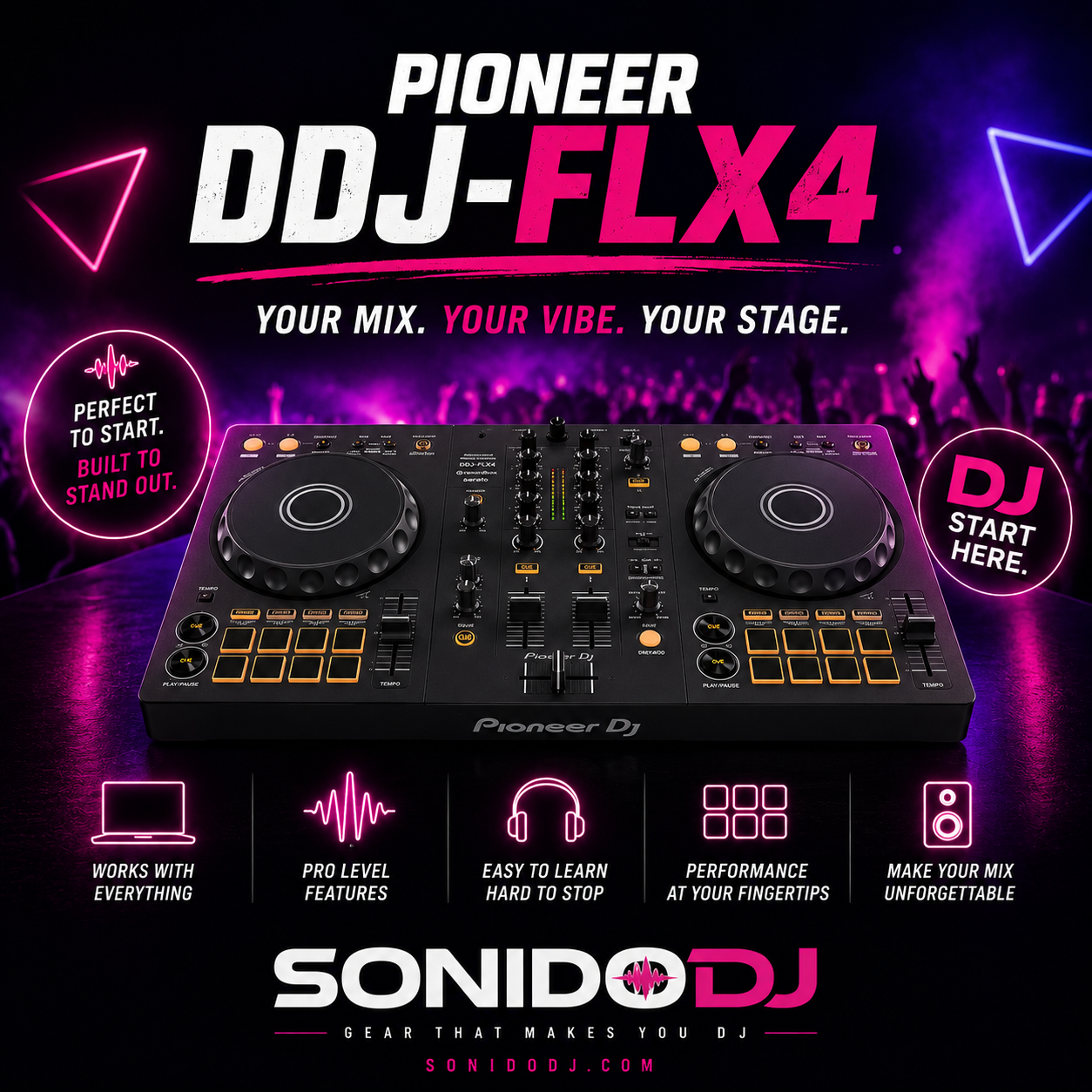
✅ Check Pioneer DDJ-FLX4 price on Amazon
For a full comparison by budget, see our best beginner DJ controllers guide.
2. Closed-Back DJ Headphones
You need headphones to cue the next track privately before mixing it in — this is how beatmatching actually works. Closed-back designs block outside noise so you can hear clearly even next to loud speakers.
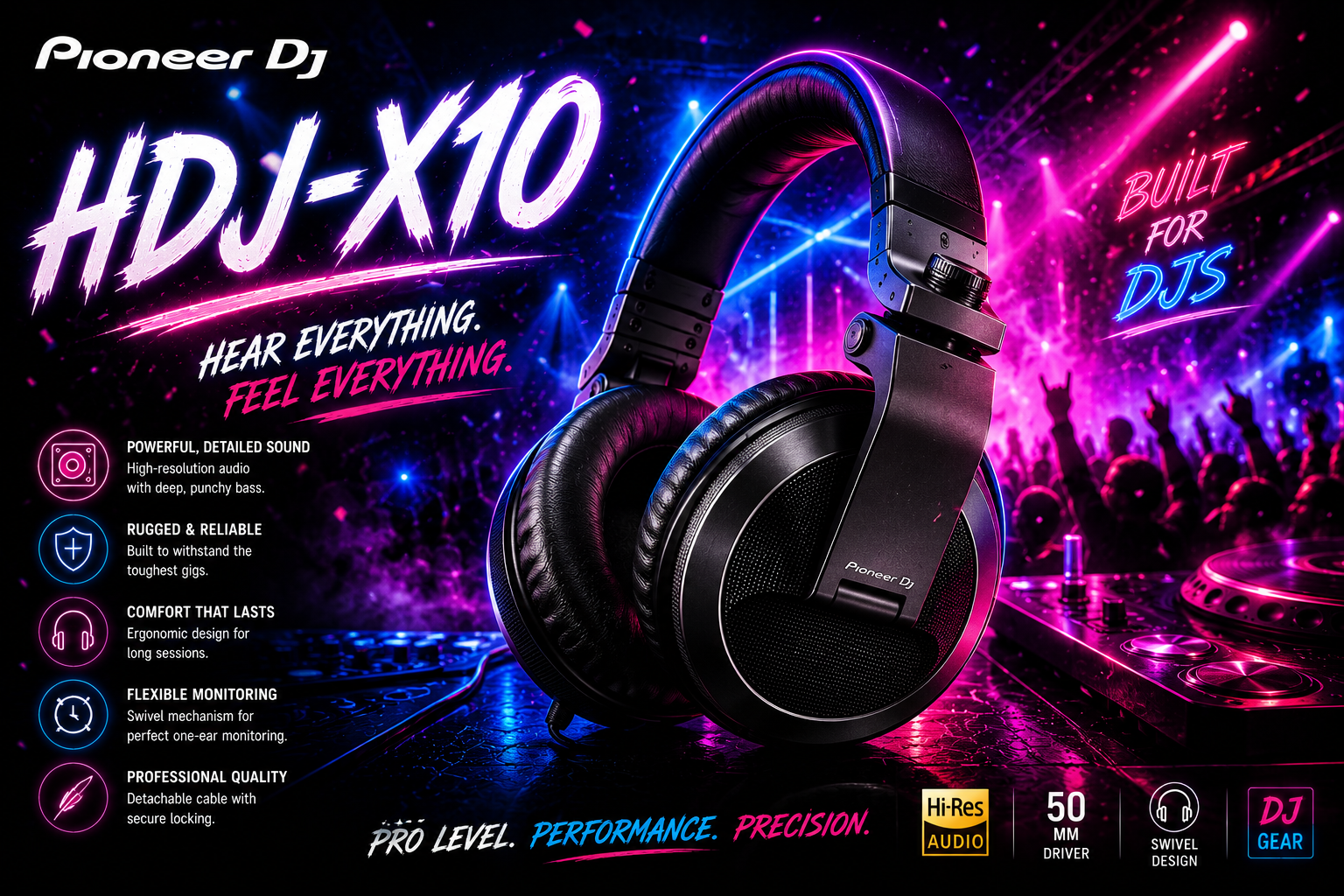
✅ Check Pioneer HDJ-X10 price on Amazon
3. A Laptop That Can Handle It
Most modern laptops handle DJ software fine — you do not need a gaming rig. The real constraint is storage: a decent music library eats space fast, so aim for at least 256GB free, more if you are storing lossless files.
4. DJ Software
- Serato DJ Pro — the most widely used, straightforward interface, huge plugin support.
- rekordbox — best if you are using Pioneer DJ hardware, seamless integration.
- Traktor Pro 3 — favored for remix decks and effects, popular with more experimental DJs.
Most controllers come bundled with a license for one of these, so check what your specific controller includes before buying software separately.
5. Speakers
For home practice, studio monitors are the right call — see our full breakdown in studio monitors vs PA speakers. If you are planning to actually play for a crowd, you will need PA speakers with more raw output, like the Mackie Thump212XT.
✅ Check Mackie Thump212XT price on Amazon
Nice-to-Haves (Add Later)
- RCA cables and adapters — useful once you start connecting external gear.
- A carrying case — worth it the moment you take your controller anywhere.
- A dedicated DJ stand or desk — improves ergonomics but any sturdy table works at first.
- An audio interface — only needed once you start recording sessions or producing.
Budget Breakdown
- Bare minimum (~$400-$600): entry controller + basic headphones + laptop you already own.
- Solid setup (~$900-$1,300): mid-range controller + quality headphones + a pair of studio monitors.
- Ready to gig (~$1,800+): everything above + real PA speakers + case + cables.
Frequently Asked Questions
Do I really need to buy speakers to start?
No — you can practice on headphones alone, especially in an apartment. Speakers become important once you want to hear how your mix actually sounds in a room, or you plan to play for other people.
Is a DJ controller the same as a mixer?
No. A mixer blends audio from separate decks or turntables; a controller combines a mixer, jog wheels and software control into one unit. Controllers are the easier, cheaper starting point for almost every beginner.
How much does a totally beginner-friendly setup cost?
Realistically $400-$600 gets you a genuinely usable setup: a controller, decent headphones, and using a laptop you already have. You can upgrade individual pieces later.
Do I need my own music library, or can I stream?
Most DJ software supports streaming integration (Beatport, TIDAL, SoundCloud Go+) now, so you do not need a fully downloaded library to start — though many working DJs still keep a local backup for reliability.